
For podcasters
Podcast clips that people stop for.
Pick the best minute of your episode, put your show art and episode title on screen, and export a waveform video for Instagram, TikTok, YouTube or LinkedIn. The audio never leaves your computer.
- Square, vertical or landscape
- Show art and title on screen
- Unlimited, free
Templates
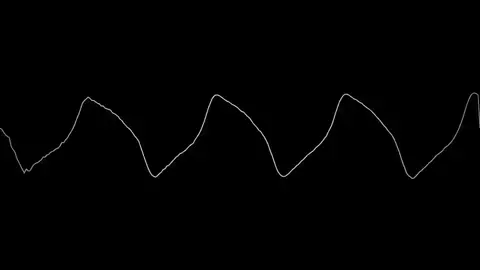
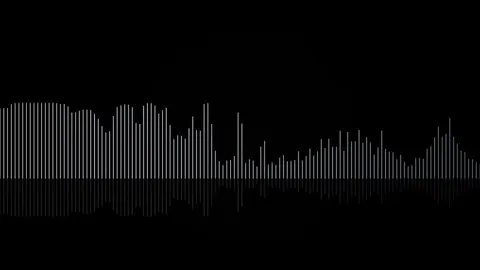
Hover to hear them react.
How it works
Three steps. No render queue.
01
Load the episode
Load the episode file (MP3 or WAV) or a clip you already cut.
02
Brand the clip
Add your show art as the logo, the episode title and guest name as text, and pick a waveform or spectrum style and your colors.
03
Export the best part
Set a custom start and length, press “Hear this part” to check it, and export in 1:1, 9:16 or 16:9.
Good to know
What you get, plainly.
- Export just part of the episode with a custom start and length, so you never need to cut the audio first
- Waveform layer (ring or line) or spectrum bars, plus your show art, text in 20 fonts and a background image or video
- Save the look once and reuse it for every episode, so your clips match
- No automatic captions or transcripts. Vzualiz does not transcribe speech; you can add a title, a quote or the guest name as text
FAQ
Questions, answered.
What is an audiogram?
A short video of a podcast clip with an animated waveform and the show artwork, made for social media, where audio-only posts are not allowed or get scrolled past.
Does it add captions automatically?
No. Vzualiz does not transcribe speech. You can add text layers yourself, such as the episode title, a key quote or the guest name.
Which size should I use?
Square (1:1) for Instagram, LinkedIn and X feeds, vertical (9:16) for Reels, TikTok and Shorts, landscape (16:9) for YouTube. All three are free.
Can I make a video of a whole episode?
Yes, but long exports take time. In Chrome and Edge, fast export is quicker than the audio plays; in other browsers it records in real time, so keep the tab open.
Is my music uploaded anywhere?
No. Your track is played and analysed by your own browser and the video is recorded on your device. Your audio never reaches our servers.
How much does it cost?
Free: every template, every setting and every size, with unlimited exports in 720p and a small watermark and short end card. Full Access is $4.99, paid once. It removes the watermark and end card and adds 1080p HD, the Promo kit and all three sizes in one go. There is no subscription.
More ways to use Vzualiz
- Free music visualizer maker
- Visualizer videos for YouTube
- Vertical videos for TikTok and Reels
- Spotify Canvas maker
- Vzualiz vs Specterr
- Lyric video maker
- Type beat video maker
- Turn cover art into a video
- Online audio visualizer
- Sound wave video maker
- Visualizers for Instagram
Visualizers by genre
Try it on your next release.
Free and unlimited, no account. $4.99 once removes the watermark.